 TruckkTube
A music visualizer app that moves with every beat
TruckkTube Player Pro turns any song on your phone or PC into a live light show. Pick a style, set your colours and press play. Everything runs offline on your own device.



What is a music visualizer app?
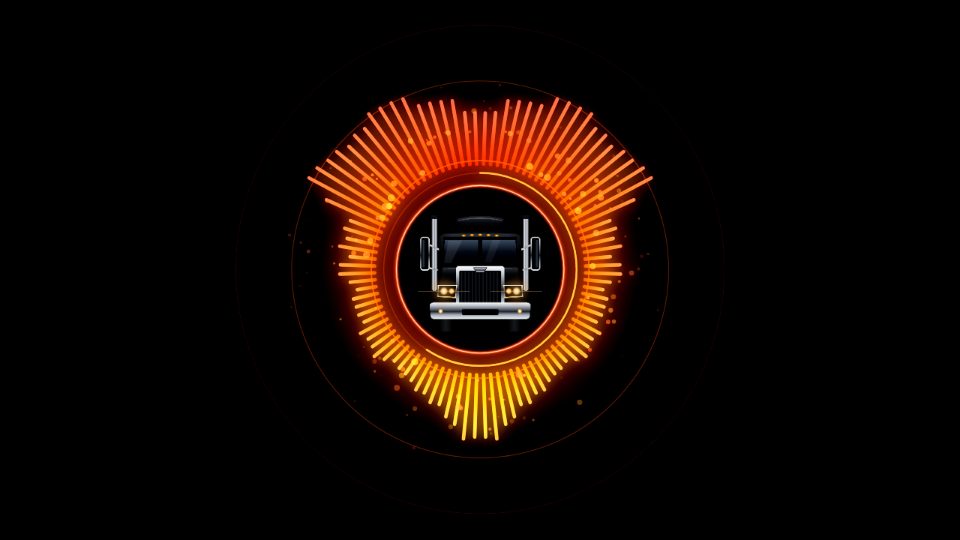
A music visualizer app draws moving pictures that follow your music. Bass makes shapes pulse, the middle of the sound lifts bars and rings, and high notes throw sparks. TruckkTube Player Pro does this live while a song plays, and it can save the result as a video you can share.
40 styles in one player
The app has 40 visualizer styles in three groups: 12 new scenes, 4 full 3D styles and 24 classic styles. You get glowing rings, bars, waveforms, tunnels, terrain grids, spheres, trains, buses, neon cars and a dancing character. Every style follows the beat, so the picture never just wobbles at random.
Make it look like your song
- Colours: use a ready palette or choose your own two-colour gradient.
- Pictures: add a background image and a centre logo or album art. The logo pulses with the bass.
- Text: show the song title and artist. They are filled in from the file name.
- Presets: save your favourite looks and load them again in one tap.
- Pure black mode: a real AMOLED black background saves battery on OLED phones.
Made for Android and Windows
TruckkTube Player Pro runs on Android 7.0 and newer, and on Windows 10 and 11 (64-bit). It plays your own music and video files, so nothing is uploaded and no account is needed.
Try before you buy
Open the Play with the beat demo on the home page to see a visualizer react to a real track in your browser. Then choose Android or Windows and buy the download for ₹99, paid by UPI.
Who uses a music visualizer?
Music lovers use it to make a phone or PC screen come alive at a party or on a desk. Singers and producers use it to show a new track with their own logo. Teachers and parents use it to keep children interested in music. Content creators use it to make Reels, Shorts and YouTube videos from a song without learning video editing.
Simple on purpose
You do not need to learn a complicated tool. Add a song, tap a style, change a colour and you are done. The Visualizer Studio panel keeps all the options in one place, and your look is remembered the next time you open the app.
Questions about the music visualizer app
What is the best way to use a music visualizer on my phone?
Open TruckkTube Player Pro, add your songs, pick a style and press play. Turn on pure black mode on an OLED phone to save battery.
Does the visualizer work offline?
Yes. It plays files stored on your device and needs no internet connection after you download it.
Which devices are supported?
Android 7.0 or newer and Windows 10 or 11 (64-bit).
Can I use my own pictures and logo?
Yes. Add a background picture and a centre logo or album art in the Visualizer Studio.
Get TruckkTube Player Pro
Android and Windows. ₹99 per download, paid by UPI. Your download opens right after you send the Transaction ID. All sales are final: no refunds.
Buy and download · ₹99